From a brief, a floor plan or a scan to a building model in IFC.
Pandore’s agents develop buildings in parametric CAD, with layouts, structure and mechanical, electrical and plumbing (MEP) systems that your team can review and edit at every step. When the model is ready, export it to IFC and continue in the BIM software you already use.
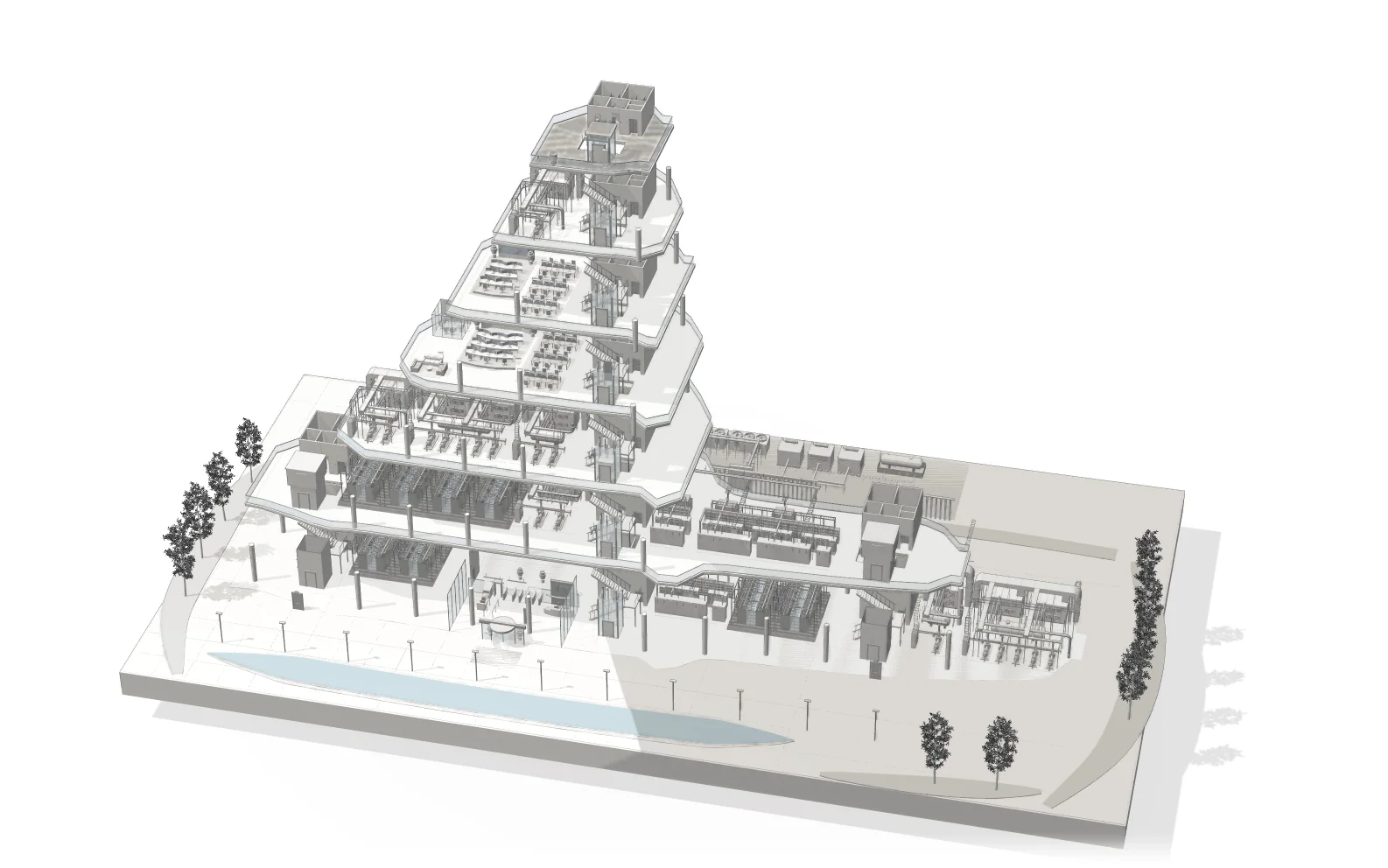
Three ways to start
a building model
- 01From a written brief
Prompt to CAD and IFC
Describe the building you need, with its program, levels and constraints, and an agent develops a first model in parametric CAD with rooms, cores, structure and MEP. Ask for changes in plain language or adjust dimensions yourself, then export to IFC.
- 02From a 2D floor plan
Floor plans to an editable model
Start from the floor plans you already have. The layout becomes an editable parametric model, so walls, openings and rooms are elements you can change, extend with new levels and export to IFC.
- 03From a site capture
Scan‑to‑BIM
Import LiDAR scans or Apple RoomPlan captures of an existing building and develop them into an editable BIM model that you can measure, change and export to IFC.
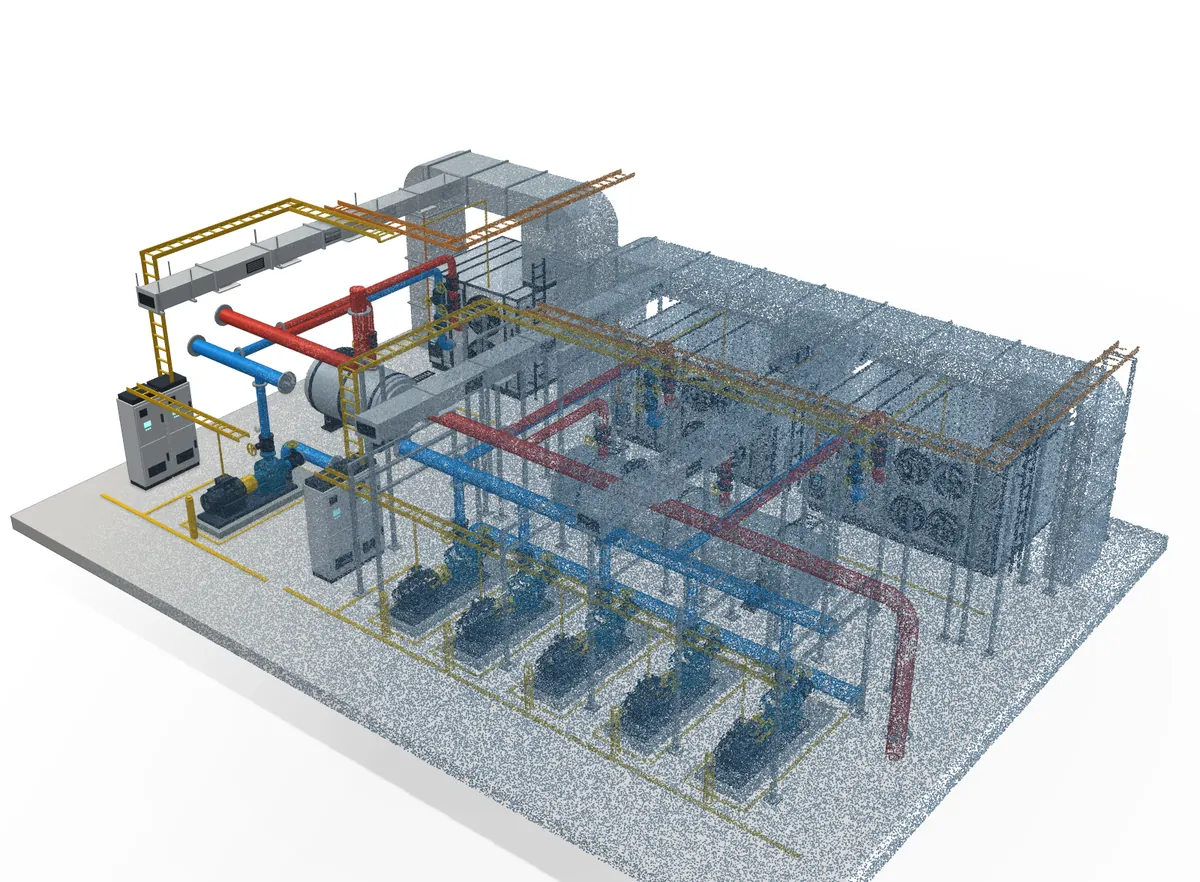
Where it fits in
your projects
- Feasibility studies
Explore several layouts for the same brief and compare them before the design is fixed.
- Renovation and fit-out
Model what stands today from a scan, then design the changes on top of it.
- MEP development
Develop mechanical, electrical and plumbing systems through the structure as part of the same model.
A setup built around your teams
For practices and engineering firms, we can set Pandore up around your standards, component libraries and BIM software, and give your own agents access to the same tools.
Common
questions
Which software can open the models?
Building models export to IFC, the open exchange format used across BIM and AEC software, so your team can continue in the tools it already uses.
Can we start from our existing drawings?
Yes. A written brief, 2D floor plans, LiDAR scans and Apple RoomPlan captures can all be a starting point, on their own or together.
Can we keep editing the model by hand?
Yes. Every element stays editable in the editor. You can ask the agent for changes, make them yourself, or move between the two.